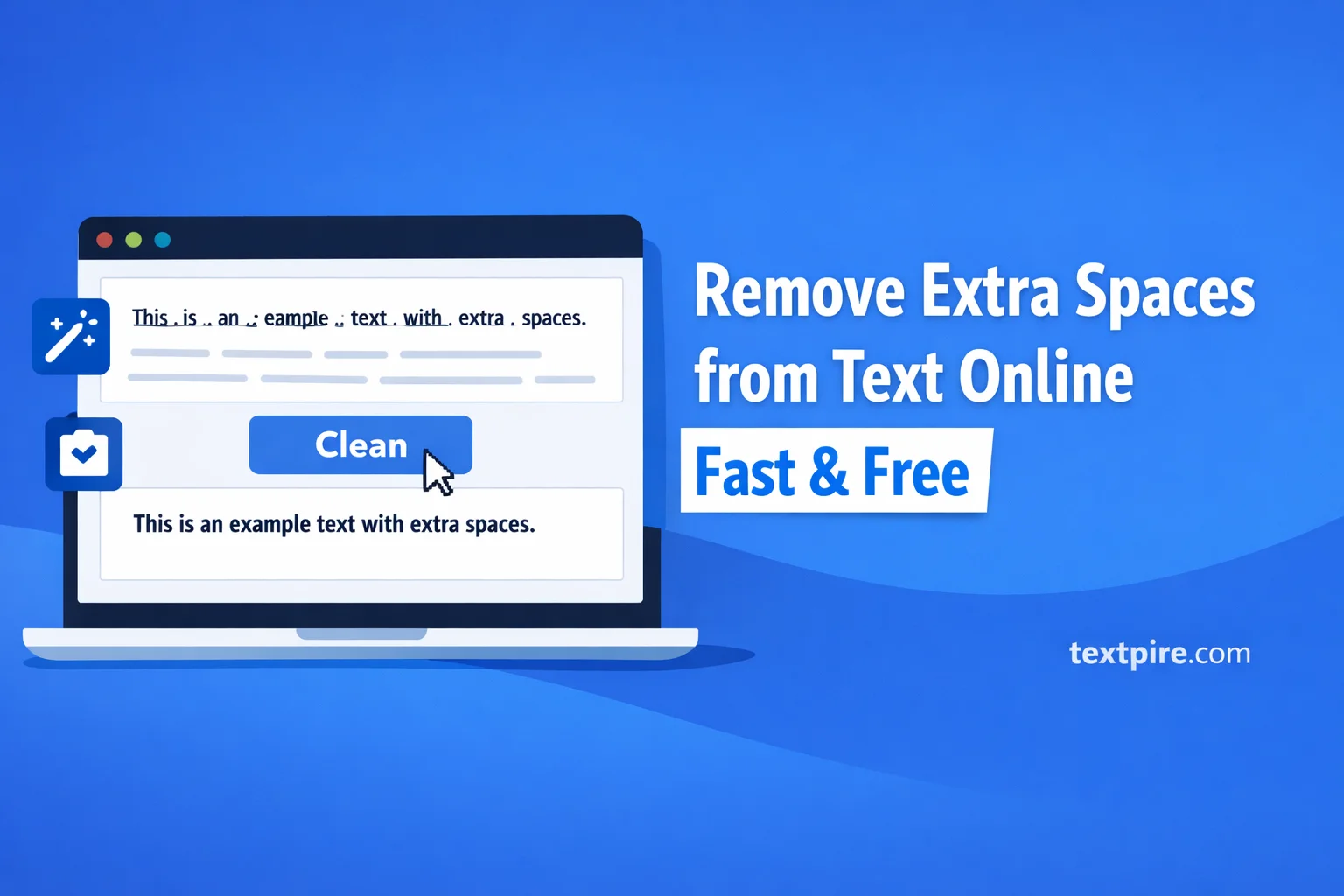
Remove Extra Spaces from Text Online
Introduction
You paste text into a document, and suddenly everything looks messy. Words are spaced unevenly, lines break oddly, and double spaces appear where they shouldn’t.
Fixing it manually is slow and frustrating, especially when you’re working with long content. You end up scanning line by line, trying not to miss anything.
This guide shows you how to remove extra spaces from text online quickly and cleanly using Textpire. You’ll get consistent formatting in seconds without editing every line.
What Is Remove Extra Spaces from Text Online
This tool automatically cleans unnecessary spaces from your text. It removes double spaces, trims leading and trailing spaces, and normalizes spacing between words.
Instead of editing manually, you paste your text into the tool and get a clean version instantly.
Before: "This is a messy text with extra spaces."
After: "This is a messy text with extra spaces."
In our testing, even large blocks of copied content from PDFs or websites were cleaned in seconds without breaking the structure.
How to Remove Extra Spaces from Text Online (Step-by-Step)
- Go to Textpire’s remove extra spaces tool.
- Paste your messy text into the input box.
- Click the clean or process button.
- Review the cleaned output instantly.
- Copy the corrected text and use it anywhere.
You don’t need to install anything or create an account. The process is instant and works directly in your browser.
When You Need This
Cleaning Copied Content
Text copied from PDFs, emails, or websites often includes irregular spacing. This tool fixes it in one click.
Preparing Content for Publishing
If you’re publishing blog posts or product descriptions, consistent spacing improves readability and professionalism.
Fixing Data Before Processing
Extra spaces can break scripts or cause issues in spreadsheets. Cleaning text ensures accurate processing.
Improving SEO Formatting
Search engines prefer clean, structured content. Removing spacing issues helps your content look more polished and easier to scan.
Why It's Free and Works in Your Browser
Textpire tools run directly in your browser. Your text is processed locally, which means it doesn’t need to be uploaded to external servers.
This approach keeps your data private and secure. You don’t need to log in or share personal information.
Because everything runs client-side, the tool is fast and works on any device, including mobile and desktop.
Tips for Better Results
- Paste raw text first: Avoid formatting issues by pasting plain text instead of styled content.
- Check line breaks: Some tools remove spaces but keep line breaks, so review structure after cleaning.
- Combine with other tools: Use additional tools for trimming lines or fixing formatting issues.
- Test with small samples: If your text is complex, test a section first to ensure the output matches your needs.
For deeper cleanup, try combining this with a remove line breaks tool to fully normalize your content.
Frequently Asked Questions
Does this remove all extra spaces automatically?
Yes, it removes multiple spaces between words and trims unnecessary spaces at the beginning and end of lines.
Will it affect formatting or structure?
It keeps your text structure intact. However, if your text relies on spacing for alignment, results may vary.
Is it safe to use with sensitive text?
Yes, since the tool runs in your browser, your data is not uploaded or stored externally.
Can I use it on mobile devices?
Yes, the tool works on smartphones and tablets without any installation.
What if my text has tabs or special characters?
The tool focuses on spaces. Tabs or special formatting may require additional cleanup using other tools.
Conclusion
Messy spacing slows you down and makes your content harder to read. Cleaning it manually is not practical when you’re working with large text.
Using Textpire to remove extra spaces from text online gives you a fast, reliable solution. Paste, clean, and copy your text in seconds.
If you regularly work with content, this small step can save you time and improve the quality of everything you publish.